
Ace any interview
AI shows you the answer before you answer
Real time AI help that only you can see
No credit card needed
They Can't See Us
Interview Hunter stays completely invisible during screen sharing. Works with all video conferencing platforms — Yandex Telemost, browser-based Google Meet, Zoom, etc. The app works at the OS level — it doesn't matter which app (browser or desktop) is playing the sound.
 Zoom
Zoom
 Teams
Teams
 Meet
Meet
 Telemost
 Discord
 Webex
Webex
See How It Works
Demonstration of the interview preparation platform capabilities
See the App in Action
Explore how Interview Hunter helps you ace every interview
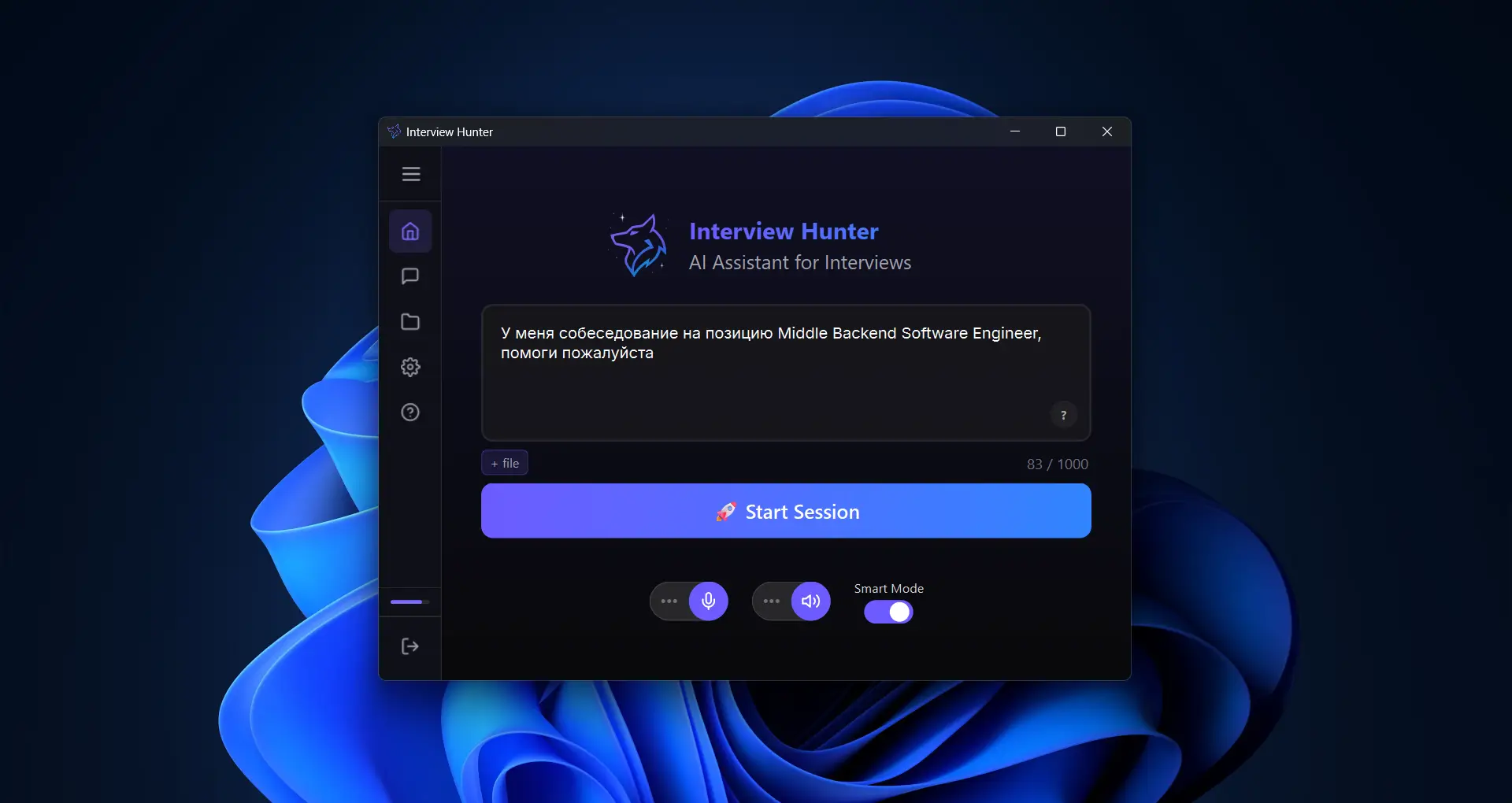
Set Up Before You Start
Configure custom instructions, upload your resume or job description, and set the AI role before the session. Everything is ready when you need it.
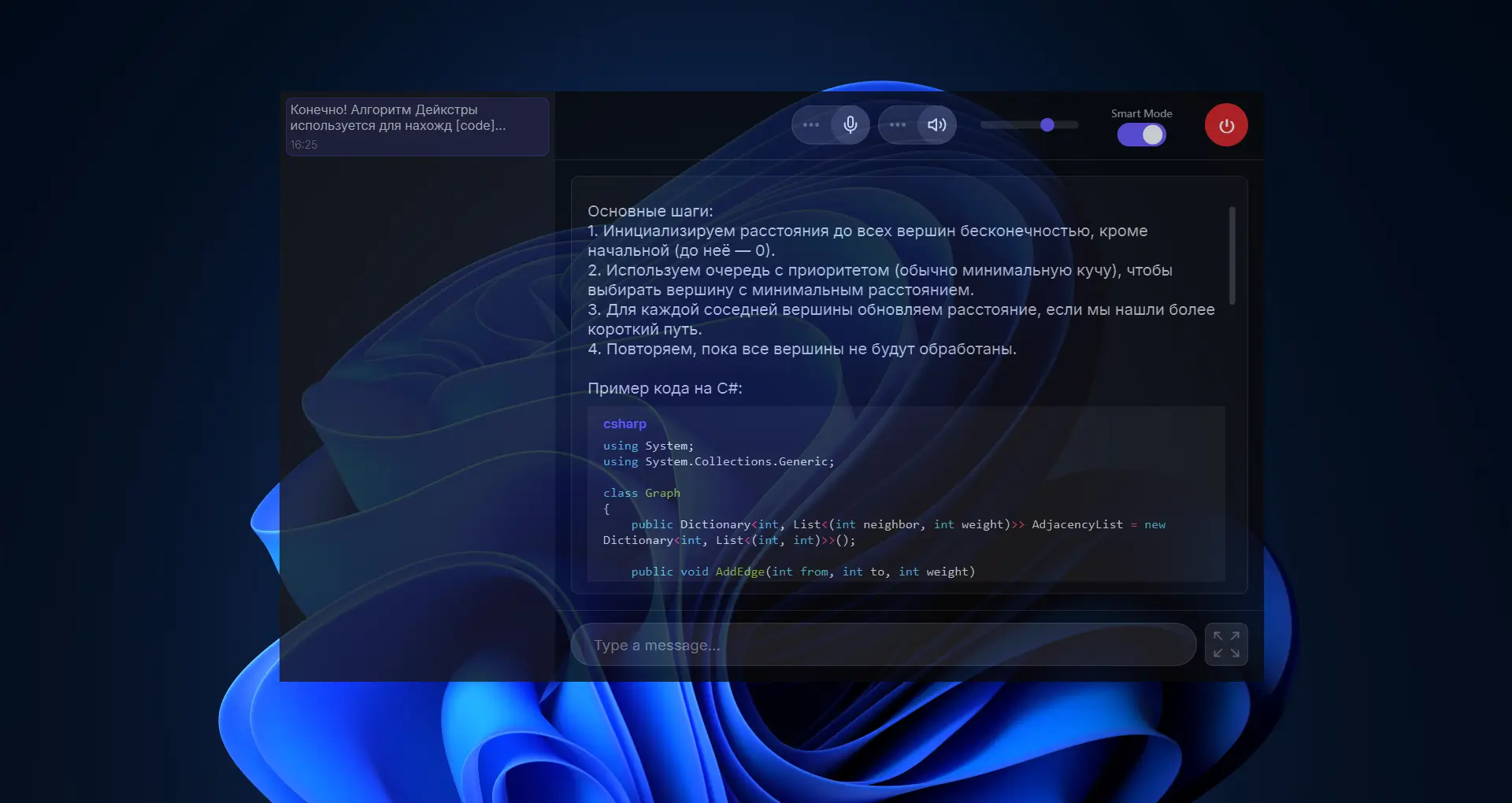
Real-time AI Assistant
Get instant, context-aware answers during your interview. The AI listens to the conversation and provides relevant suggestions in real time — completely invisible to others.
Session History
Review your past interview sessions with full transcripts and AI responses. Track your progress and revisit key moments to prepare for the next round.
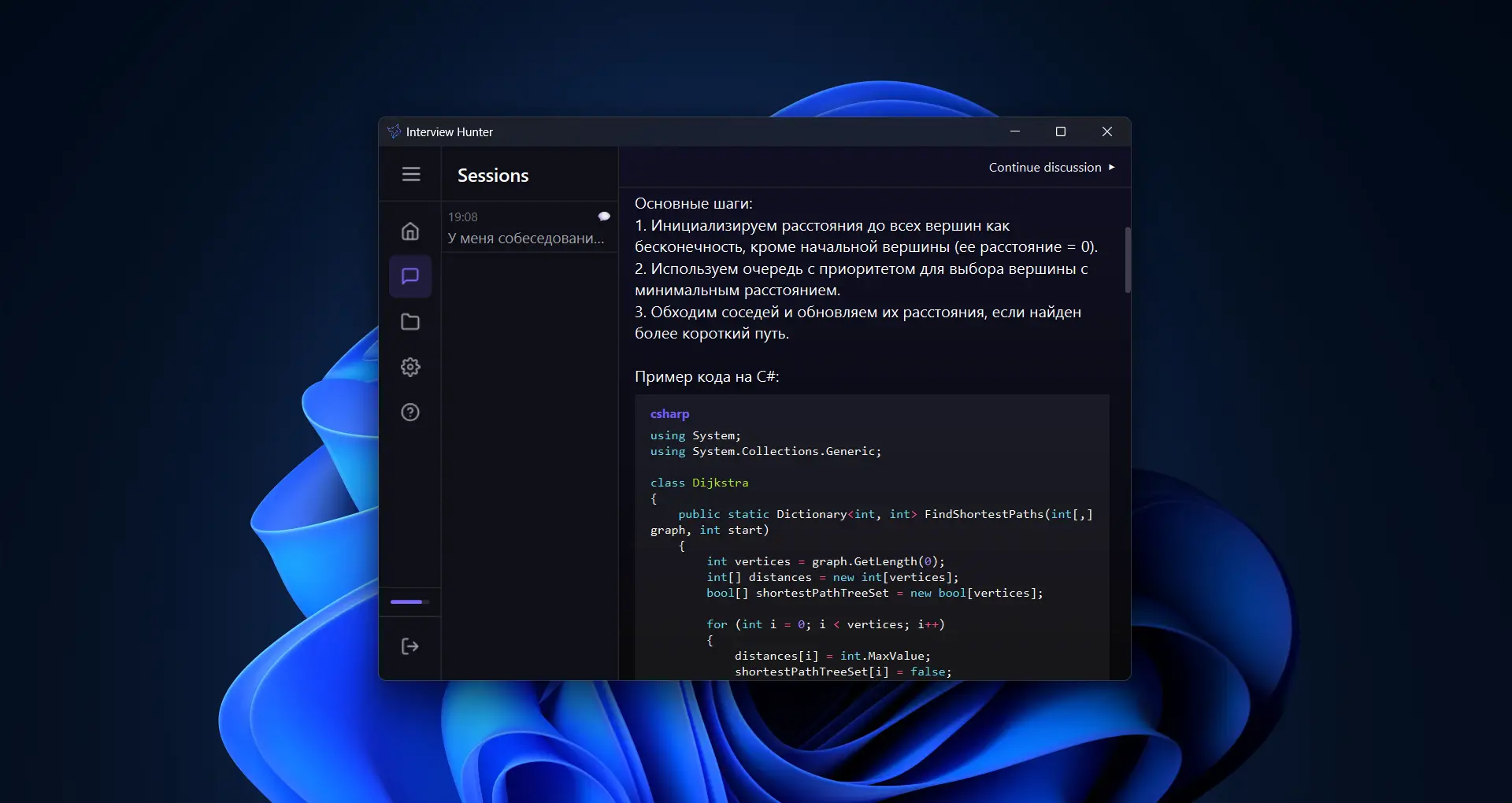
Post-Session Discussion
After the interview, discuss your session with AI. Analyze your answers, get feedback on what went well and what to improve, and prepare better for the next round.
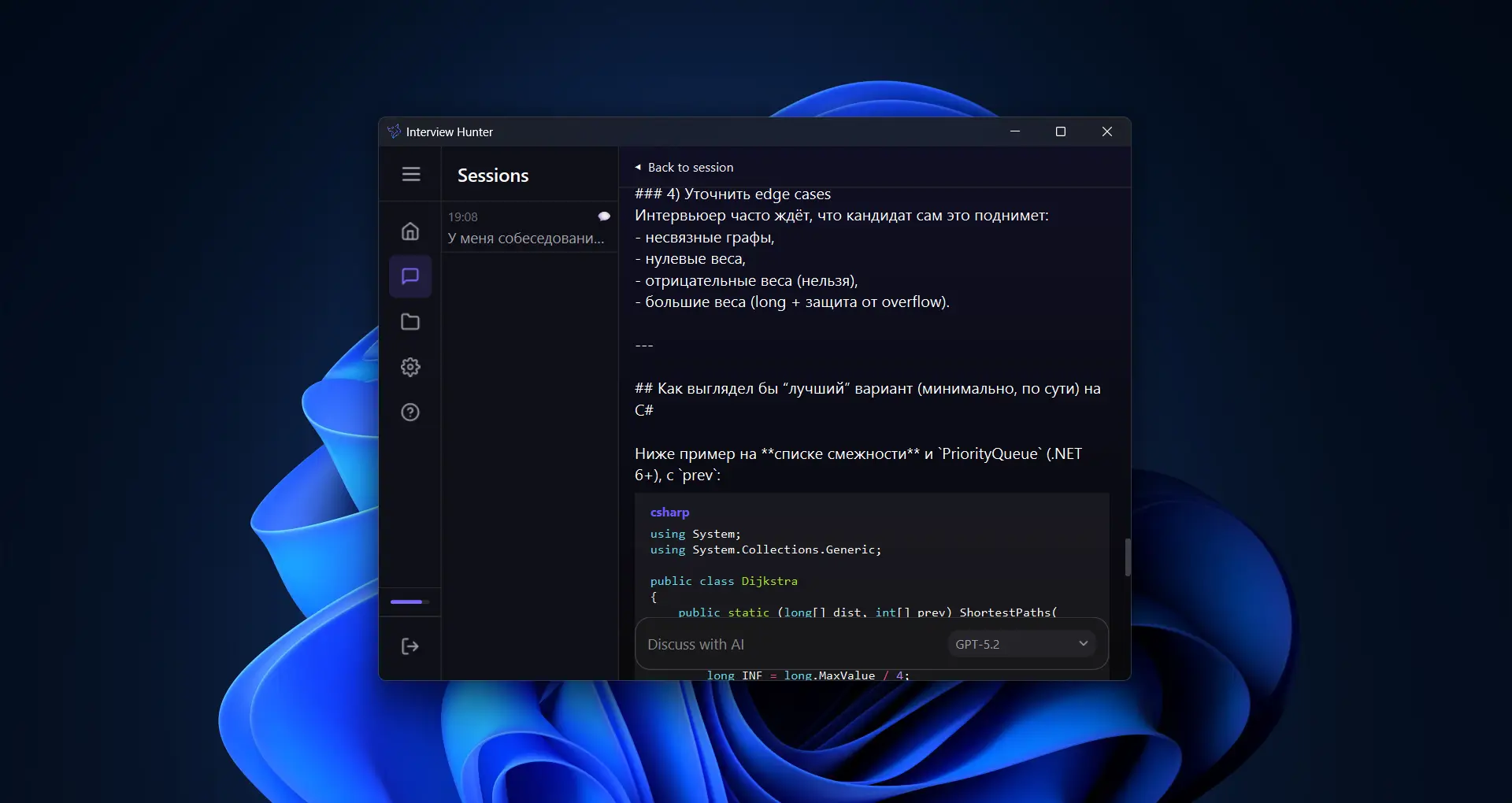
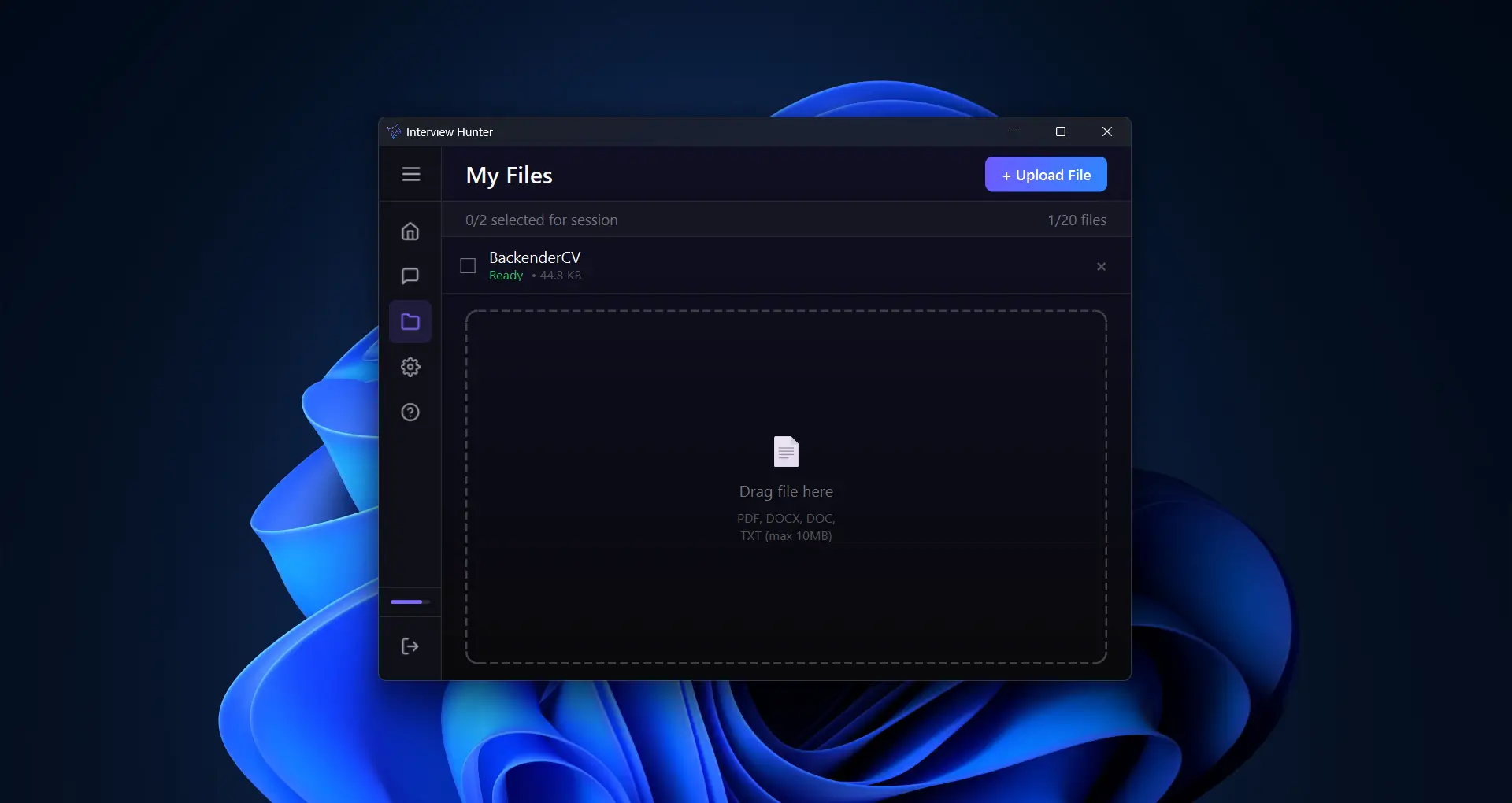
File Context
Upload your resume, job descriptions, or technical docs. The AI uses them as context to deliver more precise and personalized answers tailored to your specific interview.
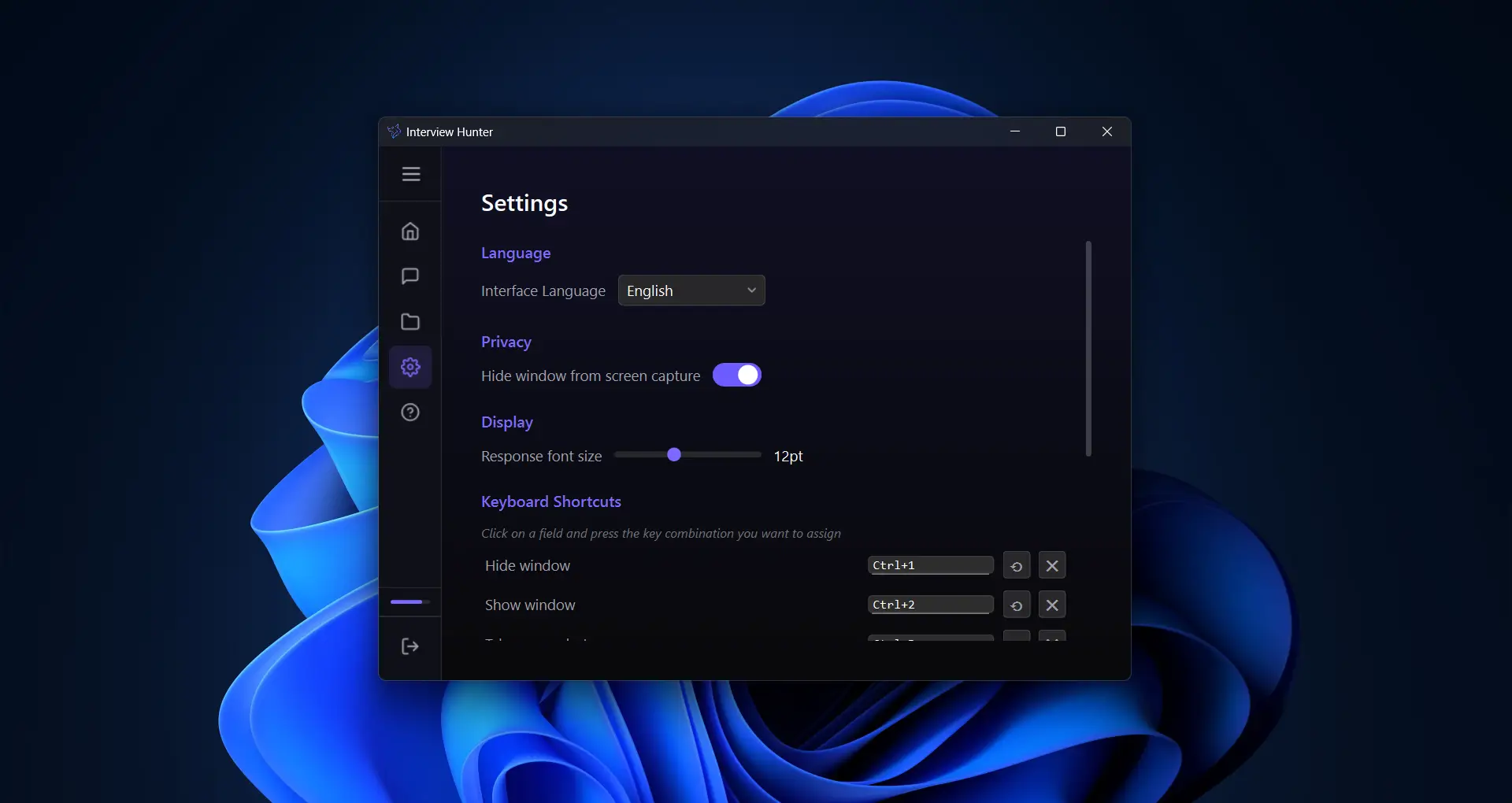
Customizable Settings
Fine-tune the AI behavior, adjust hotkeys, choose your preferred language, and configure the overlay to match your workflow perfectly.
Loved by professionals worldwide
Join thousands of candidates who landed their dream jobs with Interview Hunter
30,000+
Active users
10,000+
Interviews aced
4.9
Average rating
50+
Countries
"Had a QA automation interview and was blanking on test strategy questions. The AI helped me structure my answers on the spot — covered edge cases I wouldn't have thought of. Nailed it."
Ruslan Ch.
QA Engineer
"I landed my dream job at a FAANG company. The real-time hints during my system design interview were a game changer. Totally invisible to the interviewer."
Daniel V.
Software Engineer
"As a non-native English speaker, this tool gave me the confidence I needed. It helped me articulate complex ideas clearly during my interviews."
Aisha N.
Data Scientist
"Used it for a senior PM interview. The AI picked up on the interviewer's questions instantly and suggested structured frameworks. Got the offer the next day."
Marco S.
Product Manager
"I was skeptical at first, but this is genuinely undetectable. Tested it on Zoom, Meet, and Teams — works flawlessly on all of them."
Tom H.
DevOps Engineer
"The screenshot analysis feature is incredible. I shared my screen with a coding challenge and got step-by-step guidance in seconds."
Ravi K.
Frontend Developer
"Went from getting rejected at every interview to receiving 3 offers in one month. This tool completely changed my job search strategy."
Wei L.
UX Designer
"The multilingual support is amazing. I did interviews in both English and German, and the AI adapted perfectly to each language in real time."
Andrei G.
Backend Developer
"As a hiring manager, I use it to prepare better interview questions. The AI helps me think through scenarios from the candidate's perspective."
Yuki T.
Engineering Manager
Comparison with similar services
See for yourself — we're not just another AI assistant
 Automatic answers
Custom hotkeys
Free version
Subscription price
Simple interface
Post-session discussion
Automatic answers
Custom hotkeys
Free version
Subscription price
Simple interface
Post-session discussion
Automatic answers
Auto mode — AI understands when to answer, no buttons to press
Manual mode only — you have to press a button every time
Custom hotkeys
Full customization — set any key combination you prefer
Fixed keys with no way to change them or no hotkeys at all
Free version
Full functionality with no limits, no credit card required
Limited features or credit card required
Subscription price
$20.00/mo for the full version
$50–200/mo for similar or inferior features
Simple interface
Clean and minimalist UI — users say it takes a minute to figure out
Airplane cockpit — dozens of buttons and settings that are easy to get lost in
Post-session discussion
Review or analyze your session with AI — choose any model
No way to review past sessions
Audio capture
Simultaneous microphone and system audio capture
System audio capture, microphone on click
Screenshots
Screenshot analysis
Screenshot analysis
Document support
Upload up to 2 documents — resume, job description, and any other files
1 document per session
Custom instructions
AI behavior customization for your role and tasks
AI behavior customization for your role and tasks
Multi-language answers
Answers in any language
Answers in any language
Work Modes
Choose the appropriate mode for working with AI in any video conferences and online meetings
Manual Mode
Full control over the process of getting help from AI. Request advice and tips via hotkeys when you're ready.

Auto Mode
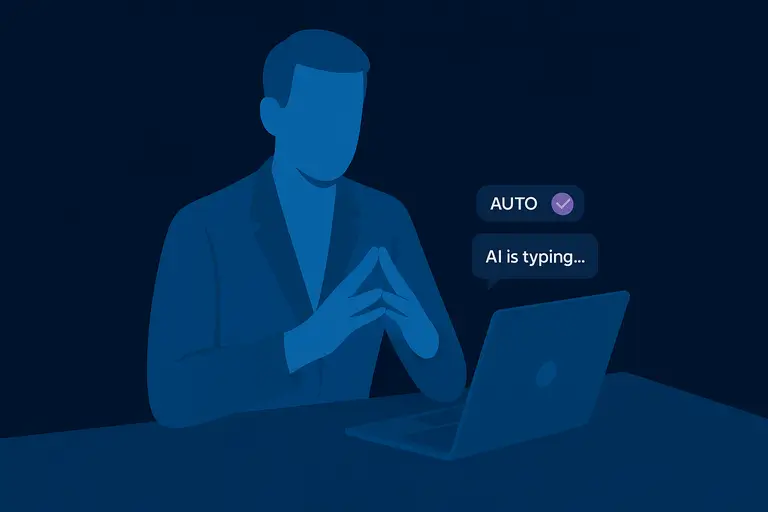
AI automatically analyzes the conversation and provides help when it detects questions or moments requiring support.
Have questions or need help? Write to us on Telegram for a quick response.
Custom Instructions
Customize AI behavior for any video conference and task with personal instructions
What is it?
The application works with any video conferences. Before starting a session, give the AI a role and context so it can adapt to your situation and provide the most relevant help.
Role Adaptation
Specify your role: candidate, interviewer, manager, student
Meeting Context
Describe the type of meeting: interview, negotiations, lecture, planning
Specific Tasks
Indicate what the AI should do: help with answers, fact-check, take notes
Examples for different roles:
Job Interview Candidate:
"I'm a candidate for Frontend Developer position. Help with technical questions about React and JavaScript. Give brief but informative answers."
HR Manager:
"I'm an HR manager conducting an interview. Analyze their responses for truthfulness and suggest follow-up questions."
Sales:
"I'm in negotiations with a client. Provide competitor information and help with real-time cost calculations."
Manager in a Meeting:
"I'm leading sprint planning. Help track participant commitments and identify potential blockers."
Conference Translator (or video subtitles):
"Translate everything you hear to English. Provide accurate simultaneous translation and explain cultural nuances, slang, and idioms."
Student:
"I'm attending a physics lecture. Explain complex concepts in simple terms and give real-life examples. Help with language support."
Customer Support:
"I'm providing technical support. Help with documentation and troubleshooting steps. Suggest scripts for difficult situations."
Hotkeys
Control the application instantly with convenient keyboard shortcuts and precise window positioning
Main Functions
Request AI Help
Get advice or tips
Screenshot Analysis
Instant screen analysis
Window Control
Show Window
Bring application to foreground
Hide Window
Minimize or hide application
Move Window
Precise keyboard positioning
Important to Know
• Hotkeys work globally — even when the application is hidden
• Ctrl+Q requests help based on the last 30 seconds of audio
• Ctrl+B analyzes the current screenshot and provides contextual help
• Ctrl + arrow keys for precise window positioning without using the mouse
• Transparency slider allows you to see content behind the application window
• Ability to keep the window near the camera for natural eye contact
Simple, Transparent Pricing
Choose the plan that fits your needs. All plans include core features.
Basic
Perfect for trying out the app
$0
Forever free
Pro – Quarterly
Best value for committed users
$13/mo
$40.00 billed every 3 months
Pro – Monthly
For professionals who need more power
$20.00/mo
Billed monthly
Frequently Asked Questions
The payment window won’t open or shows an error
• Refreshing the page
• Opening the page in Incognito mode
• Using a VPN (EU or US servers)
The payment provider may block connections from certain regions. A VPN usually resolves this issue.
Why is my Russian card not accepted?
You will need a card from a foreign bank to make a payment. We are working on alternative payment methods.